



















How to back up and archive a Facebook group
Years of community knowledge can disappear overnight: an admin deletes the group, an account gets hacked, or Facebook removes content. If your group matters to you, keep your own copy.
작성자: Pierre Carron · 2026년 11월 업데이트됨
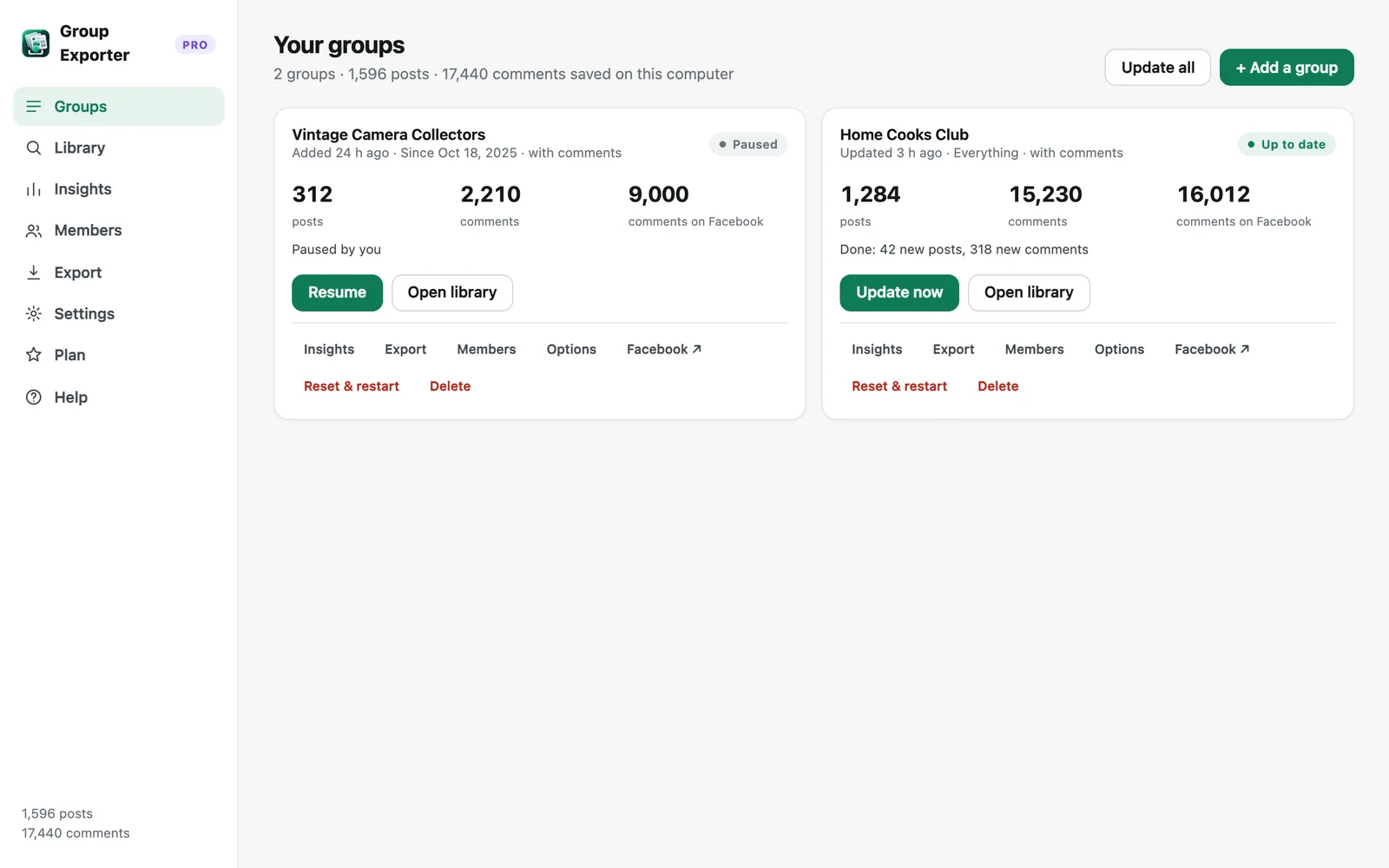
단계별 안내
- Download the whole group. Open the group with Group Exporter for Facebook installed and click "Download this group" with "Everything" and comments selected.
- Export an offline archive. In Export, choose "Offline archive (HTML)" and "Full data (JSON)", package as ZIP, and include photos.
- Store the ZIP safely. Keep the ZIP on an external drive or cloud storage. The HTML archive opens in any browser, offline, with search.
- Keep it current. Turn on automatic daily updates (Pro) and auto-export so your archive always includes the latest posts.
Facebook no longer archives groups
Facebook's Help Center now says "Archiving a group is no longer available". An admin can pause a group, which stops new posts and comments but keeps it online, or delete it, which can't be undone and isn't announced to members. Neither puts a copy on your computer.
Facebook also pauses a group by itself if its only admin leaves or deletes their account and nobody accepts an admin invitation within seven days.
Why "Download your information" is not a group backup
Meta's own export includes the groups you belong to and the posts you created, but its category list says it "won't include information that someone else shared". You get your own posts and comments, not the posts you replied to or the photos other members uploaded.
Why an HTML archive?
A single archive.html file opens in any browser, on any computer, without an internet connection or any software. It includes search, threaded comments and a "Print / PDF" button. The JSON file is the complete machine-readable backup, and Group Exporter for Facebook can import it again to restore your library on another computer.
Photos
Facebook photo links are signed and expire. Each fbcdn.net link carries an expiry stamp (the oe= parameter); in our test on 9 November 2026 it pointed about four days ahead, and an expired link returns HTTP 403 "URL signature expired". A spreadsheet of photo links is not a photo backup: export with "Include photos" soon after the download so the image files themselves go into the ZIP.
Tick "Highest available resolution" to save the largest copy Facebook already sent to your browser instead of the feed preview. In the ZIP, photos are named by date, author and post (for example media/2026-11-14_Ann-Lee_<post id>_1.jpg) and media/index.csv lists which post each file belongs to.
For group admins
Archiving is also useful before migrating a community to another platform (Discord, Circle, a forum), for moderation records, or to build a FAQ from years of answered questions.
출처
- Facebook Help Center: archiving a group is no longer available
- Facebook Help Center: pause a group
- Facebook Help Center: delete a group
- Facebook Help Center: when a group has no admin
- Facebook Help Center: download your information
- Facebook Help Center: what the information categories include
다른 가이드
- How to export all comments and replies from a Facebook group
- How to get a Facebook group into Google Sheets
- How to download the photos from a Facebook group
- How to export a private Facebook group you're a member of
- Facebook group analytics without admin access
- How to export the members of a Facebook group
- The best ways to export Facebook group posts and comments (compared)
- How to download all posts from a Facebook group