



















가이드 / TikTok giveaway picker
How to pick a random TikTok giveaway winner from comments, with proof
TikTok has no built-in giveaway tool, and copying hundreds of comments by hand is impossible. Here is how to load every comment of your TikTok video, apply your rules, draw a winner with public randomness and give your followers a certificate they can check.
작성자: Pierre Carron · 2026년 10월 업데이트됨
단계별 안내
- Install Giveaway Picker. Add Giveaway Picker to Chrome and log in to TikTok in that browser.
- Open your video and load the comments. Open the TikTok video, click the extension icon, then "Load comments". The extension opens the comments panel and loads every comment and reply TikTok shows.
- Set the rules. Tag a friend, include a word or hashtag, comments until a deadline, one entry per person, accounts to exclude.
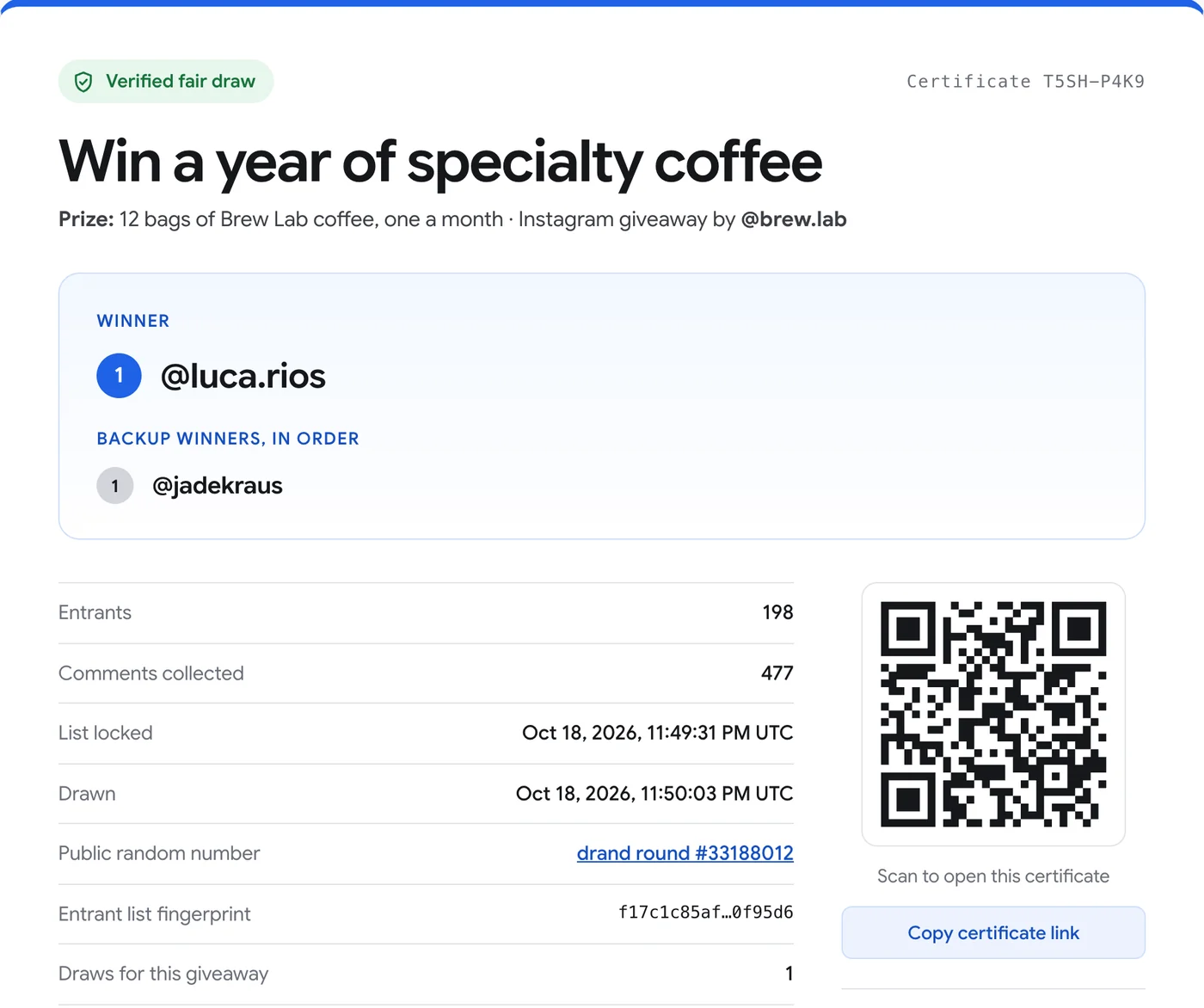
- Draw and share. Draw live. Share the certificate link and its QR code in your next TikTok or in the comments.
내 게시물에서 무료로 사용해 보세요. 무료 버전은 게시물당 댓글 300개를 불러오고 최대 300명까지 추첨을 진행합니다(인증서 포함). Pro는 한 번만 $24.90입니다.
One giveaway on TikTok, Instagram and YouTube
With Pro you can add your TikTok, your Instagram post and your YouTube video to the same giveaway. There is one draw and one certificate, and people who use the same username on several platforms are counted once.
Why some comments are not counted
TikTok's counter includes comments it filters or hides (spam, restricted accounts, deleted comments). The extension loads every comment TikTok actually shows, and tells you how many are hidden.
다른 가이드
- How to pick a random winner from YouTube comments
- How to pick a random Instagram giveaway winner, and prove it was fair
- How to export Instagram comments to Excel or CSV
- How to pick a random winner from Facebook comments
- How to export a Microsoft Teams chat to PDF
- How to export a Microsoft Teams chat to Excel or CSV
- How to save Microsoft Teams messages as a credible record
- How to save your Microsoft Teams chats before you leave a job