





Guides / TikTok giveaway picker
How to pick a random TikTok giveaway winner from comments, with proof
TikTok has no built-in giveaway tool, and copying hundreds of comments by hand is impossible. Here is how to load every comment of your TikTok video, apply your rules, draw a winner with public randomness and give your followers a certificate they can check.
Updated October 2026
Step by step
- Install Giveaway Picker. Add Giveaway Picker to Chrome and log in to TikTok in that browser.
- Open your video and load the comments. Open the TikTok video, click the extension icon, then "Load comments". The extension opens the comments panel and loads every comment and reply TikTok shows.
- Set the rules. Tag a friend, include a word or hashtag, comments until a deadline, one entry per person, accounts to exclude.
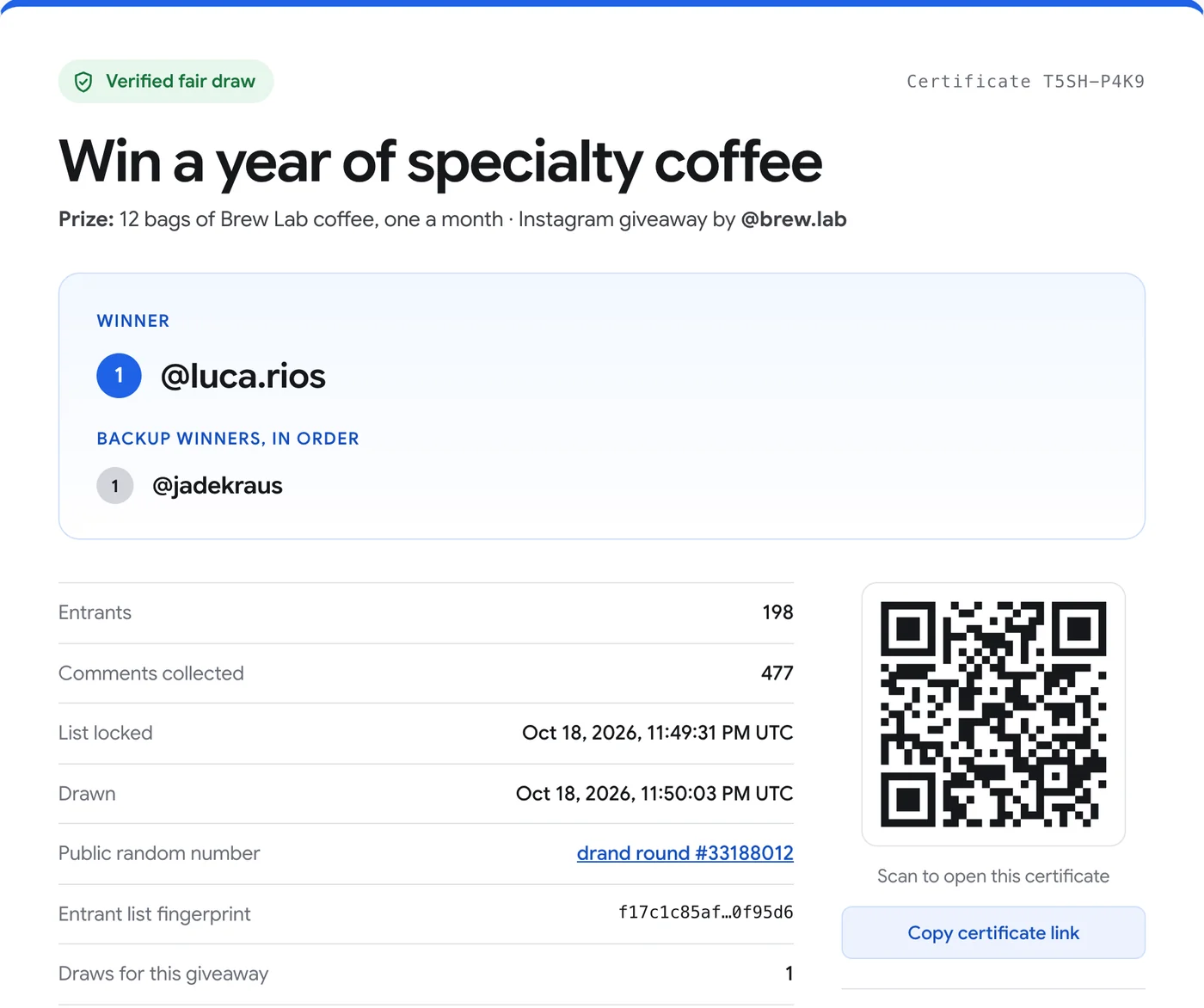
- Draw and share. Draw live. Share the certificate link and its QR code in your next TikTok or in the comments.
Try it on your post, free. The free version loads 300 comments per post and runs giveaways up to 300 entrants, certificate included. Pro is $24.90 once.
One giveaway on TikTok, Instagram and YouTube
With Pro you can add your TikTok, your Instagram post and your YouTube video to the same giveaway. There is one draw and one certificate, and people who use the same username on several platforms are counted once.
Why some comments are not counted
TikTok's counter includes comments it filters or hides (spam, restricted accounts, deleted comments). The extension loads every comment TikTok actually shows, and tells you how many are hidden.
More guides
- How to pick a random winner from YouTube comments
- How to pick a random Instagram giveaway winner, and prove it was fair
- How to export Instagram comments to Excel or CSV
- How to pick a random winner from Facebook comments
- How to export Instagram followers to Excel (or CSV)
- How to export the accounts someone follows on Instagram
- How to find common followers between two Instagram accounts
- How to export the guest list of your Facebook event