





How to pick a random winner from Facebook comments
Facebook has no built-in way to pick a giveaway winner, and long comment threads are impossible to count by hand. Here is how to load every comment of a Facebook post, filter them with your rules, draw the winner fairly, and show everyone the result was random.
Updated October 2026
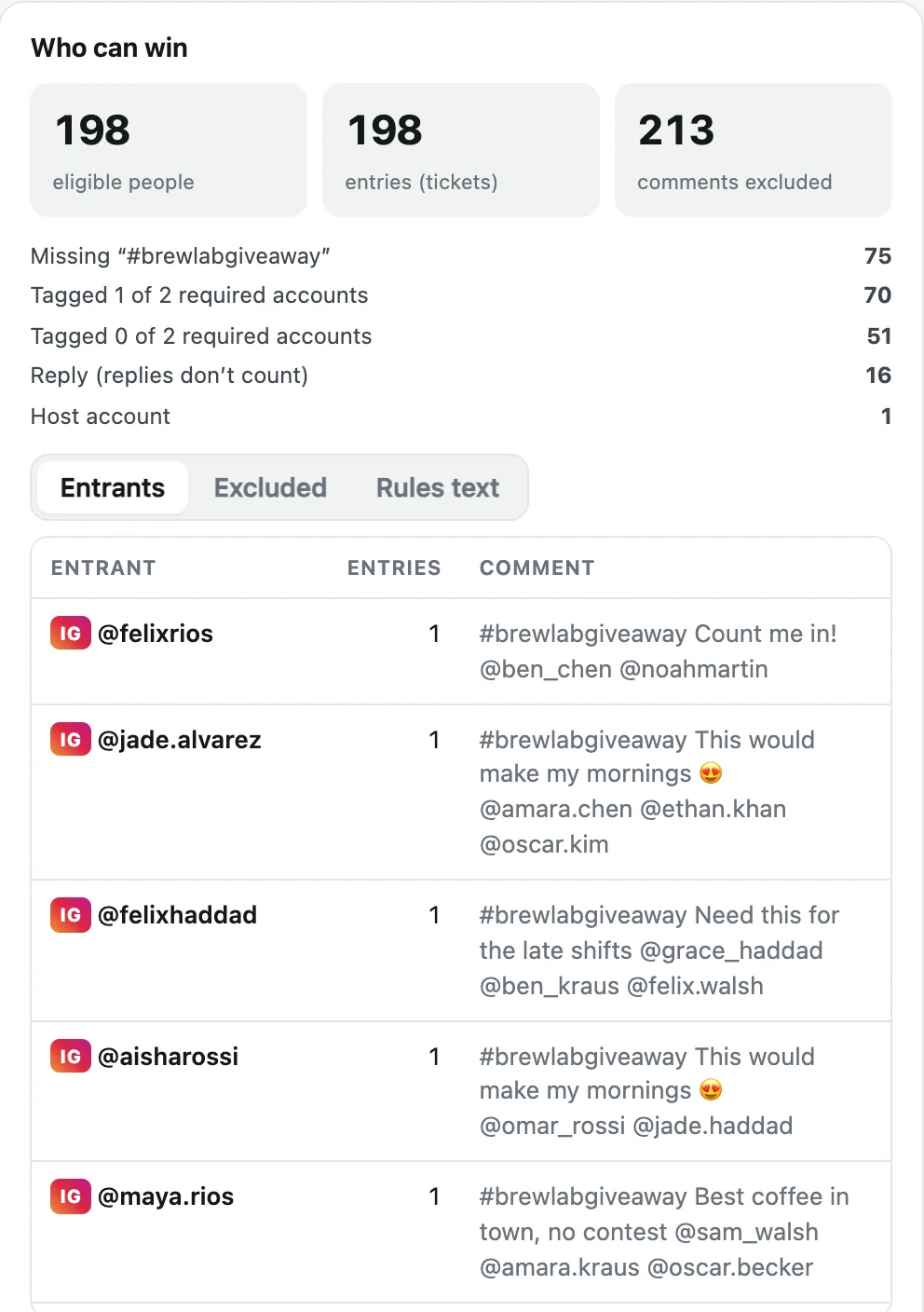
Step by step
- Install Giveaway Picker. Add the extension to Chrome, Edge or Brave and pin it.
- Open the Facebook post. Open the post on its own page (click its date) while logged in, then click the extension icon and "Load comments".
- Set the rules. Choose one entry per person, a required keyword, the deadline and the accounts to exclude, such as your page and your team.
- Draw and share. Click "Draw the winner", then share the certificate link and the winner image with its QR code.
Facebook’s rules for giveaways on Pages
Facebook’s Pages terms don’t allow promotions that require people to share on their timeline or tag friends to enter. "Comment to enter", or "comment with a word", is fine. So on Facebook, use a keyword or simply one entry per person rather than a tag requirement.
As the host you are responsible for the official rules, the prize and local laws, and for saying the promotion is not sponsored by Facebook.
Combine Facebook and Instagram in one giveaway
Running the same giveaway on both? With Pro, select your Facebook post and your Instagram post in the same giveaway. People are counted per account on each platform. Choose "one entry per post commented on" to reward people who took part on both.
A draw your community can check
The entrant list is locked and fingerprinted before a public random number exists (drand, League of Entropy). The winner is computed from it, and the certificate lets anyone redo the calculation in their browser. Redraws are listed with their reason, so nobody can quietly draw until a friend wins.
Free or Pro
Free: 300 comments per post, giveaways up to 300 entrants and one winner, certificate included. Pro ($24.90 once): every comment, several posts, up to 100 winners and backups, bonus entries and all exports.
More guides
- How to pick a random TikTok giveaway winner from comments, with proof
- How to pick a random winner from YouTube comments
- How to pick a random Instagram giveaway winner, and prove it was fair
- How to export Instagram comments to Excel or CSV
- How to export Instagram followers to Excel (or CSV)
- How to export the accounts someone follows on Instagram
- How to find common followers between two Instagram accounts
- How to export the guest list of your Facebook event