











Install Group Exporter for Facebook in a minute.
Add it from the Chrome Web Store in one click. It updates itself, so you always get the latest fixes.
Prefer to install it yourself? Download the ZIP.
A small ZIP file (about 100 KB). Free to try, no account needed.
Download the ZIPAdd it to Chrome
- 2
Unzip it
Double-click the ZIP file (on Windows: right-click → Extract All). You get a folder with the same name. Keep this folder: Chrome loads the extension from it, so don’t delete it afterwards.
- 3
Open the extensions page
Type
chrome://extensionsin the address bar and press Enter (Edge:edge://extensions, Brave:brave://extensions).chrome://extensions - 4
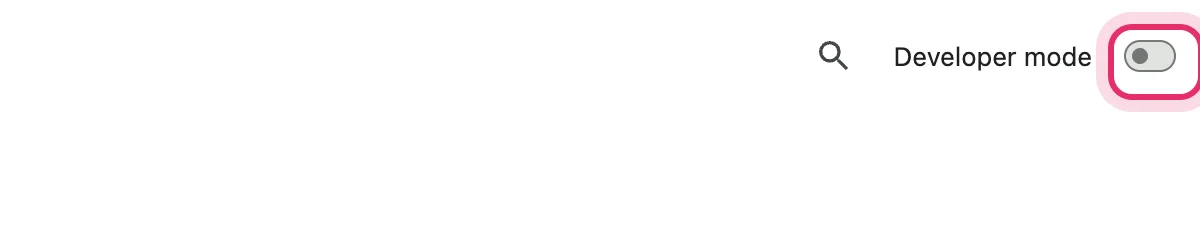
Turn on “Developer mode”
Use the switch in the top-right corner of the page. It only lets you load an extension from a folder; it changes nothing else in Chrome.
- 5
Click “Load unpacked” and choose the folder
Select the folder you unzipped in step 2 (the one that contains
manifest.json), then click Select.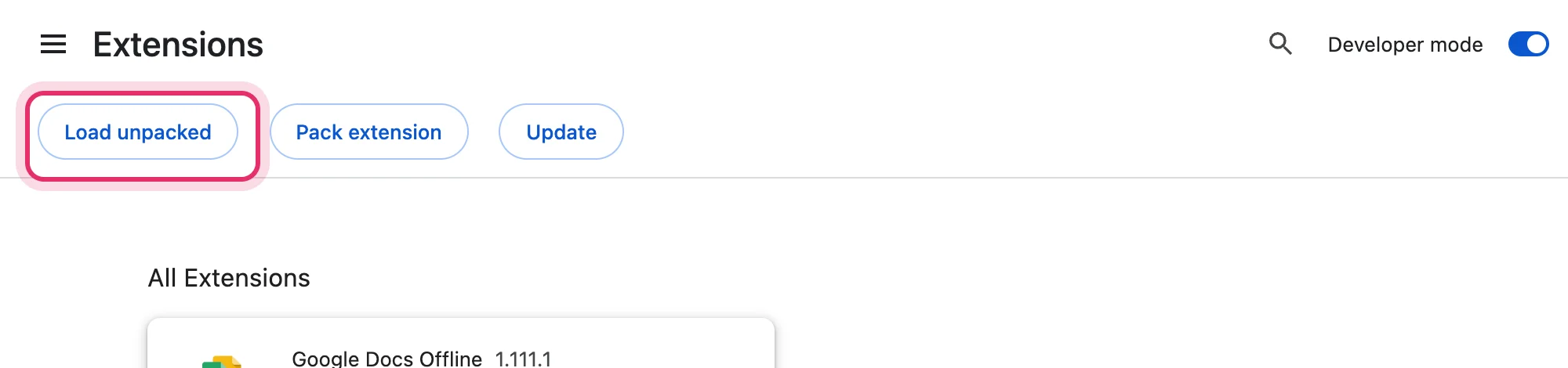
- 6
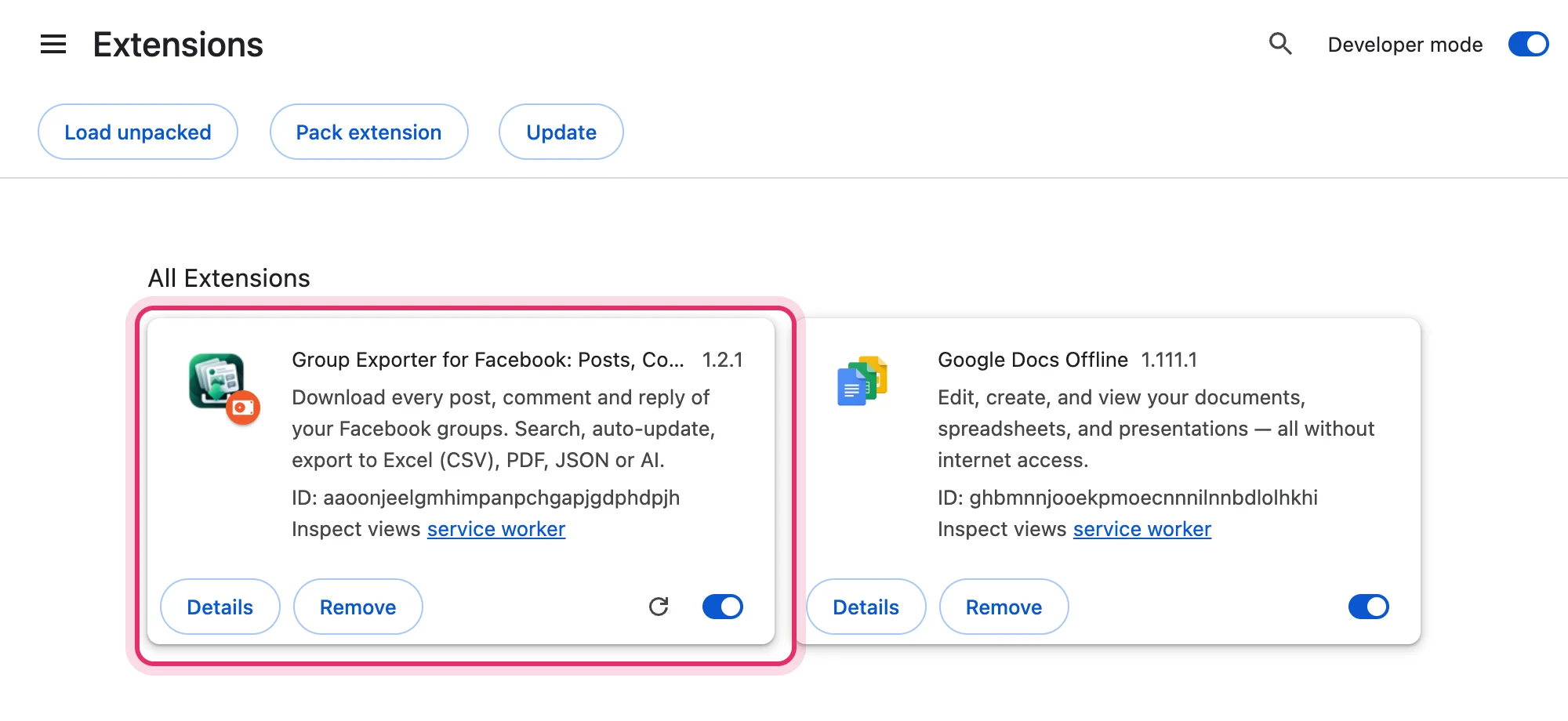
Pin it to your toolbar
The extension appears in the list. Click the puzzle icon at the top right of Chrome, then the pin next to the extension, so its icon is always one click away.
If something goes wrong
“Manifest file is missing or unreadable”
You selected the ZIP file or a folder above the right one. Choose the folder that directly contains manifest.json.
I don’t see “Load unpacked”
Turn on Developer mode first (top right). Work computers can block it: ask your IT team, or wait for the Chrome Web Store version.
The extension disappeared after a restart
The folder was moved or deleted (for example, it was still in a temporary folder). Unzip it somewhere permanent, like Documents, and load it again.
Chrome shows a “developer mode extensions” warning
Some Chrome versions remind you that developer mode is on. It’s informational: keep the extension enabled.