 FB Group Exporter
Collecting Facebook group data for academic research
Facebook groups are rich sources for qualitative and quantitative research: health communities, hobbyist forums, local groups, professional networks. Since Facebook closed most of its research APIs, collecting group data has become harder. Here is a practical, reproducible method using a browser extension, plus the ethical points your review board will ask about.
Updated October 2026
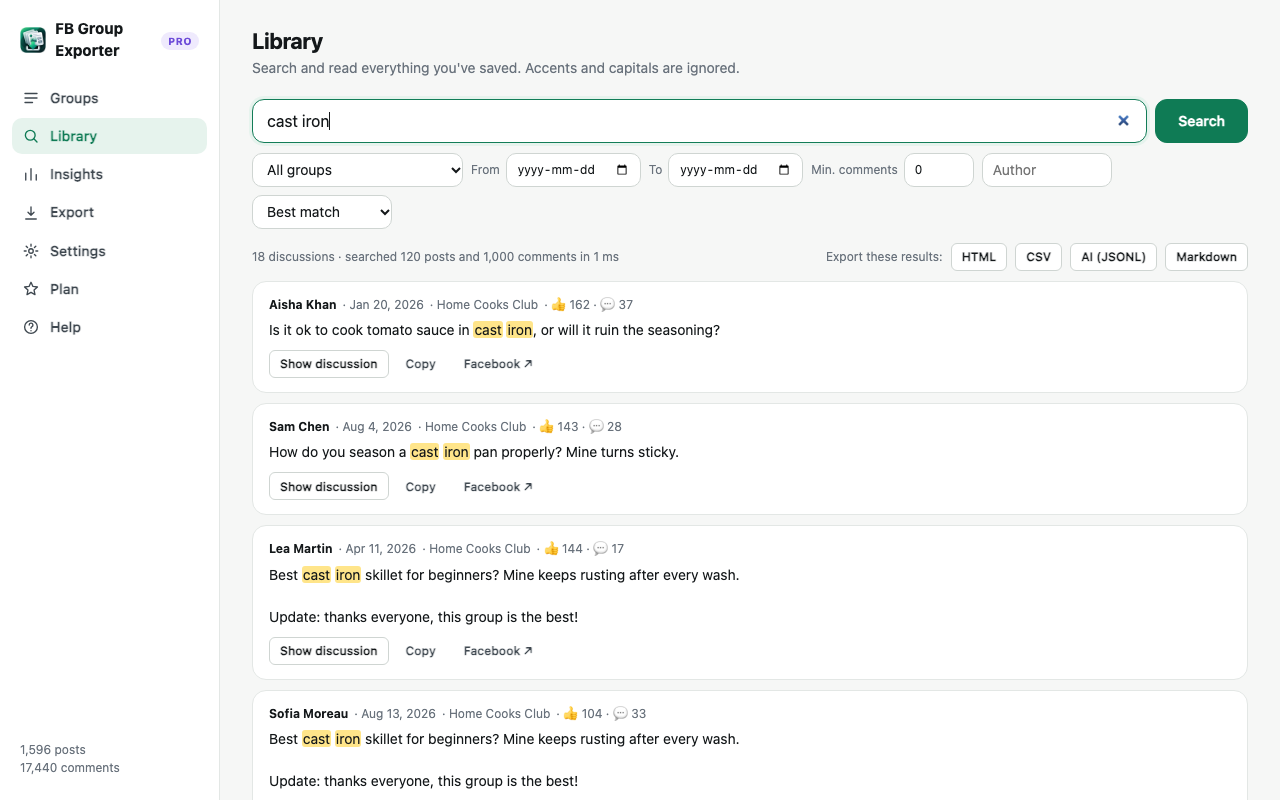
Step by step
- Define your corpus. Which groups, which period, posts only or posts with comments. Write it down for your methods section.
- Collect with FB Group Exporter. Use "Since a date" in the popup to bound the period, keep comments on, and download each group.
- Export a dataset. Export CSV for statistical tools (R, Python, SPSS) or JSON/JSONL to keep the full thread structure for qualitative coding or NLP.
- Pseudonymise and document. Replace names with codes before analysis, store data securely, and record collection dates and settings.
Dataset structure
posts.csv: one row per post with id, timestamp (ISO 8601, UTC), author, text, reactions, comment and share counts, attachments and permalink. comments.csv: one row per comment or reply with its post id, parent comment id and depth, which is enough to reconstruct threads and compute reply networks.
JSON keeps the nested structure (post → comments → replies), and JSONL stores one discussion per line, convenient for NLP pipelines and language models.
Completeness and limitations
The extension collects what is visible to your account in the group, in "All comments" order, including nested replies. Deleted content, content hidden by admins, and posts from groups you can't access are not included. Facebook's reaction counts are totals, not who reacted. Record the date of collection: groups change over time.
Ethics and data protection
Even in public groups, members may not expect their posts to be studied. Typical safeguards: ethics approval, informing group admins, pseudonymising authors (replace author and author_id columns with codes), not quoting verbatim text that could be searched back to a person, storing data encrypted, and deleting raw data when the project ends. Check GDPR or your local equivalent and your institution's rules.
Reproducibility
Note the extension version, collection dates, settings ("Since" date, comments on/off) and group URLs. Keep the original vault.json export as your raw data: it can be re-imported into the extension later to re-export or extend the dataset.
More guides
- How to export all comments and replies from a Facebook group
- How to get a Facebook group into Google Sheets
- How to download the photos from a Facebook group
- How to export a private Facebook group you're a member of
- Facebook group analytics without admin access
- The best ways to export Facebook group posts and comments (compared)
- How to download all posts from a Facebook group
- How to export Facebook group posts and comments to Excel
- How to back up and archive a Facebook group
- Scrape Facebook group posts and comments without code
- How to save a Facebook group as a PDF
- Turn a Facebook group into an AI knowledge base