





Guides / Export a subreddit to CSV
How to export a subreddit to CSV, with every comment
Want the top 500 posts of r/SaaS this year, with their discussions, in a spreadsheet? Here is how to do it in a few clicks, and how to read the result.
Updated October 2026
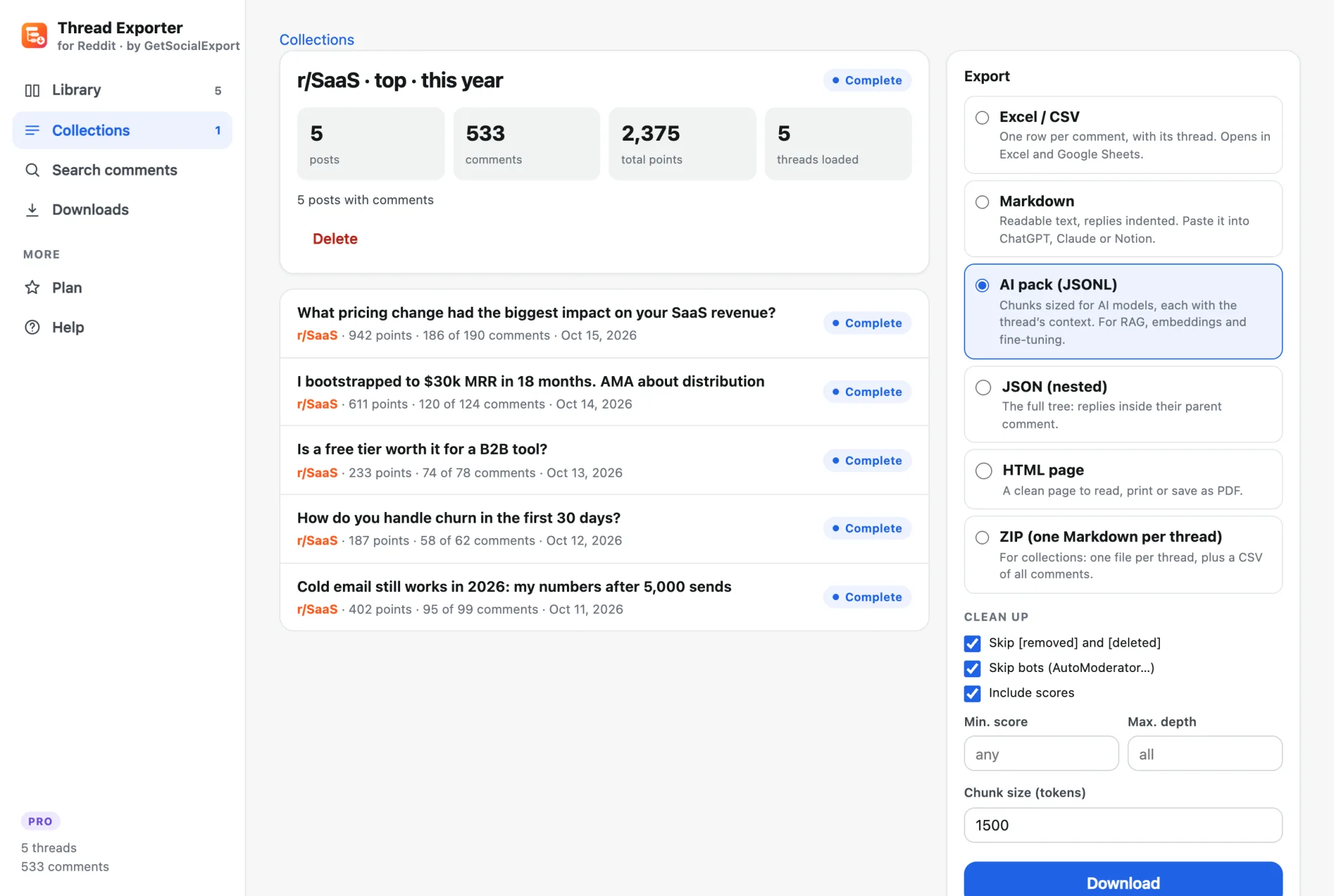
Step by step
- Open the subreddit. On reddit.com, open the subreddit with the sort you want (for example Top → This year), then click the Thread Exporter icon.
- Choose how many posts. Up to 1,000 with Pro (Reddit's own maximum per listing). Tick "+ comments" to load every discussion.
- Export to CSV. When the collection is ready, choose Excel / CSV. You get one row per comment with the post title, score and date, plus a row per post.
- Analyse. In Excel or Google Sheets, pivot by post or author, sort by score, or filter by date.
Try it on a thread, free. The free version exports threads up to 300 comments to CSV and Markdown. Pro is $19.90 once for everything.
Going beyond 1,000 posts
Reddit returns about 1,000 posts per listing. Combine sorts and periods (top of the year, of the month, new, controversial) or searches for specific words to cover more of a subreddit.
More guides
- How to scrape Reddit without the API (and without code)
- How to export every comment from a Reddit thread
- How to feed Reddit discussions to ChatGPT, Claude or your own AI
- How to export Instagram followers to Excel (or CSV)
- How to export the accounts someone follows on Instagram
- How to find common followers between two Instagram accounts
- How to export the guest list of your Facebook event
- How to pick a random TikTok giveaway winner from comments, with proof