





Guides / Instagram followers tracker
How to track your Instagram followers over time, without giving your password
Most follower tracker apps ask for your Instagram password, which is risky and against Instagram's rules. A browser extension can do the same tracking from your own logged-in session: scan regularly, compare, and keep a history on your computer.
Updated October 2026
Step by step
- Install Unfollowers Tracker. Add it to Chrome and log in to instagram.com in that browser.
- Scan once. Click "Scan my account". Your followers and following are saved on your computer.
- Turn on the daily scan. With Pro, the extension scans once a day while Chrome is open and notifies you when someone unfollows you.
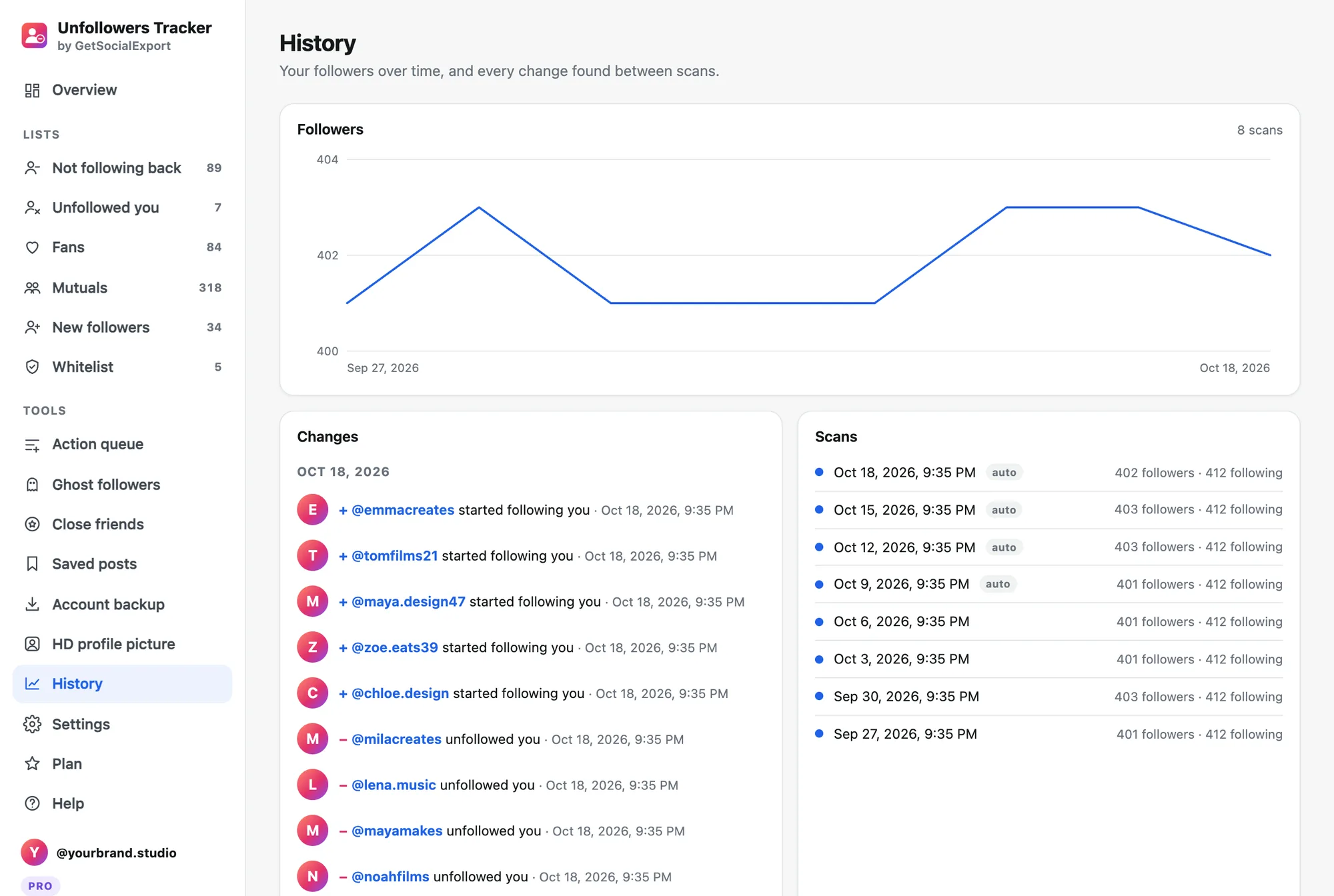
- Read the history. The History page shows your followers curve and, day by day, who followed and who unfollowed you.
Scan your account, free. The free scan shows your numbers and the first 30 people of each list. Pro is $14.90 once for full lists, history and safe bulk actions.
Why no password is safer
When an app logs in with your password from its own servers, Instagram sees a login from an unknown place and can lock or flag your account. An extension works inside your normal session, from your usual device.
More guides
- Instagram unfollow limit: how many accounts can you unfollow per day?
- How to see who unfollowed you on Instagram
- How to see who doesn't follow you back on Instagram, and unfollow safely
- How to export Instagram followers to Excel (or CSV)
- How to export the accounts someone follows on Instagram
- How to find common followers between two Instagram accounts
- How to export the guest list of your Facebook event
- How to pick a random TikTok giveaway winner from comments, with proof